Fairways Debt enables you to attach documents to transactions, e.g. contracts.
Log In to Fairways Debt
- Log in to Fairways Debt.
- Load the relevant customer account.
Attach a Document to a Transaction
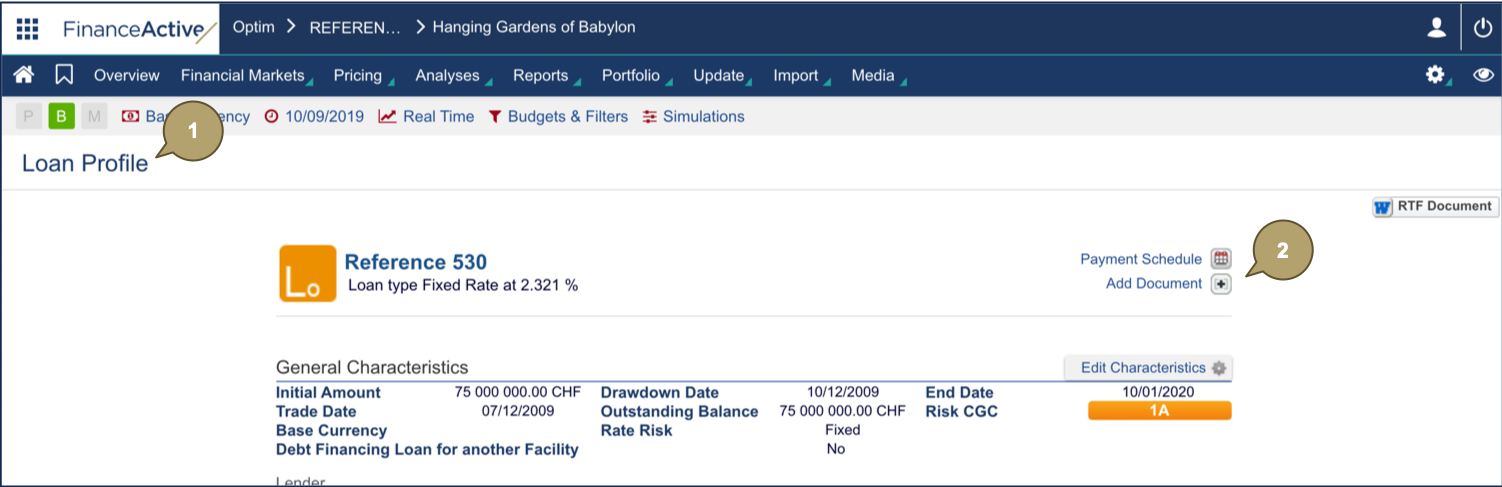
- Open a transaction profile.
- Click Add Document
 .
.
- Select a document type and enter a description, if relevant.
- Click Select File and upload the file.
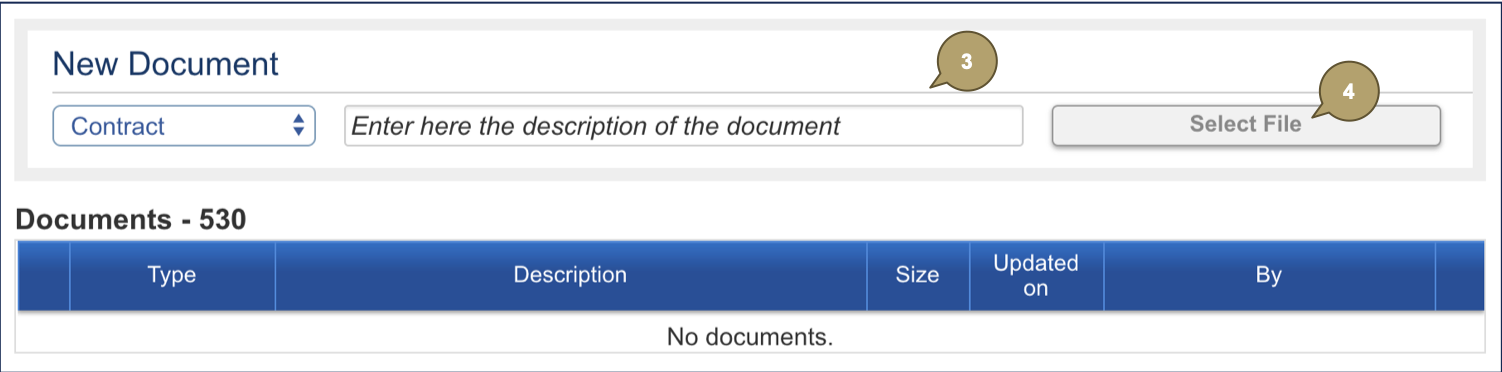
The file is attached to the transaction.