Fairways Debt stores the details of loans booked in the account.
Log In to Fairways Debt
- Log in to Fairways Debt.
- Load the relevant customer account.
Search For Transactions in the Portfolio
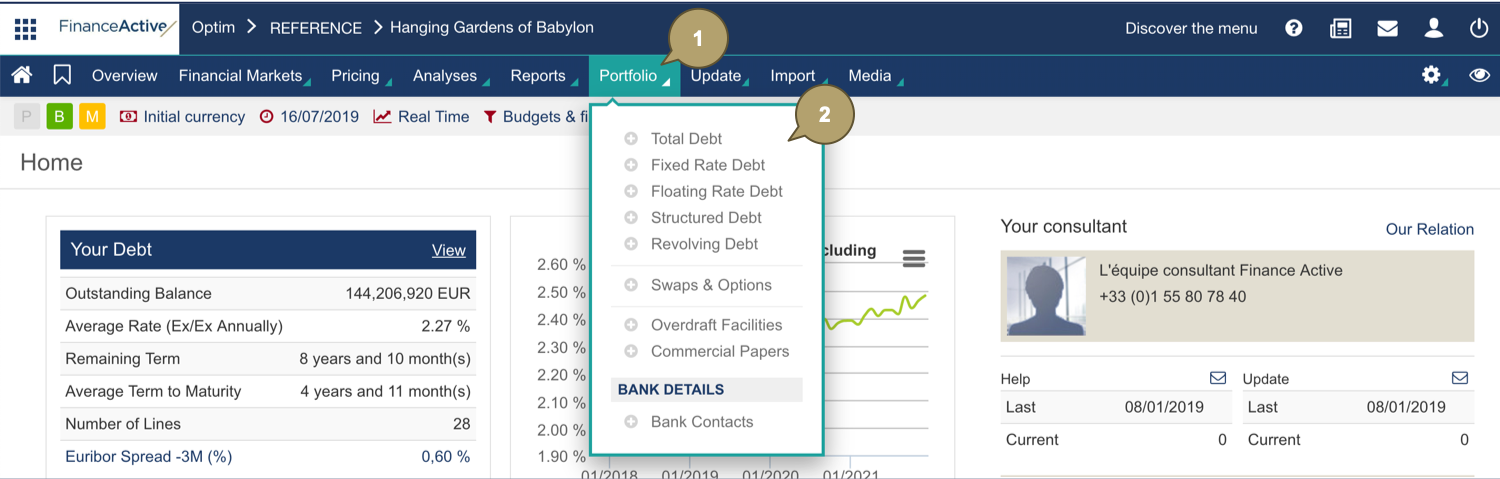
- Click Portfolio.
- Select a debt/transaction type.
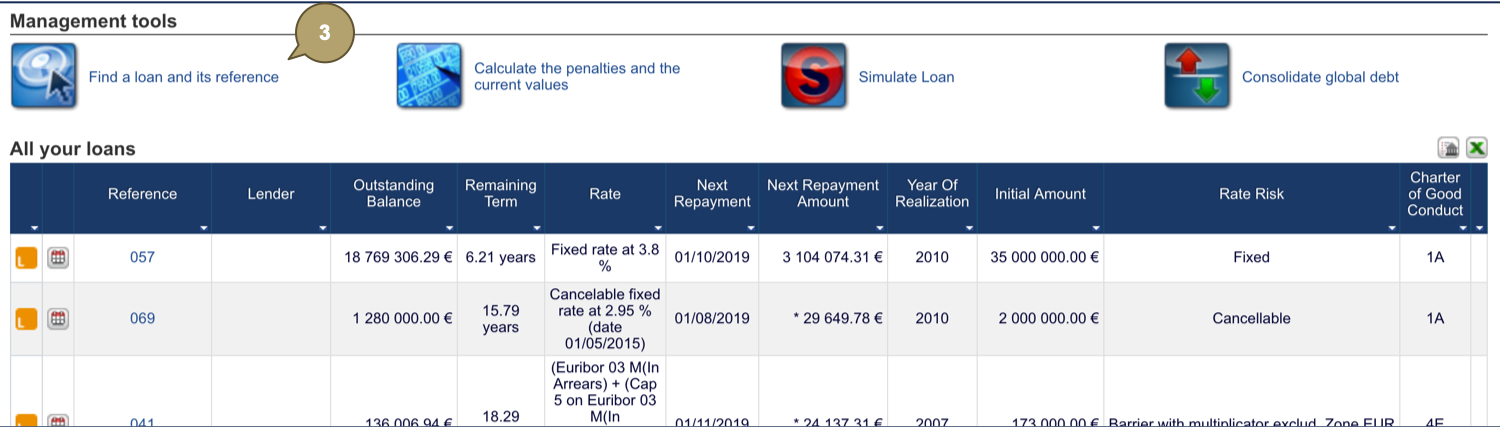
- Click Find a loan and its reference.
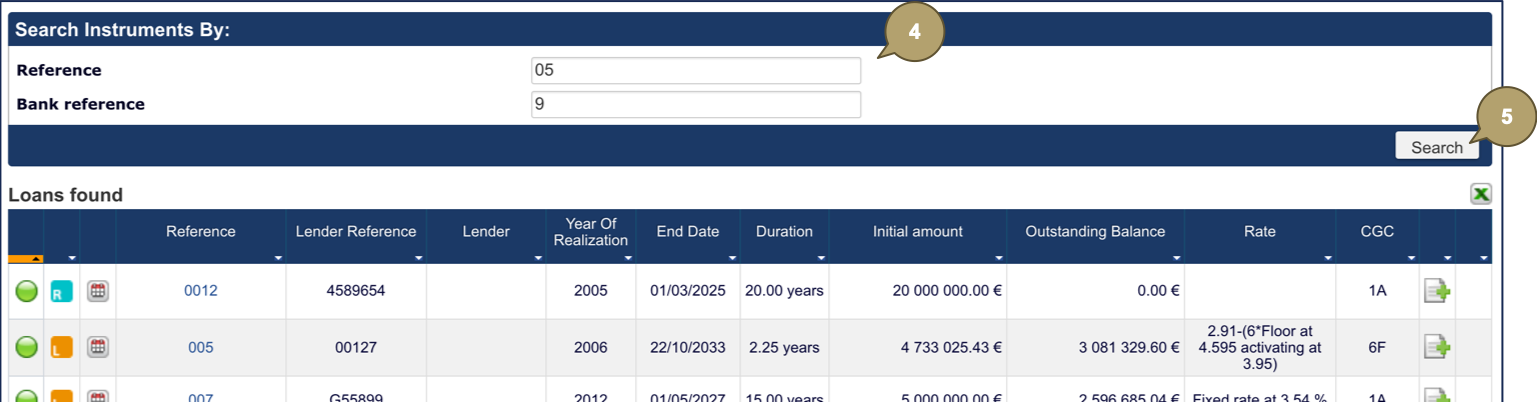
- Enter the full or partial reference of the transaction and/or the bank (lender).
- Click Search.
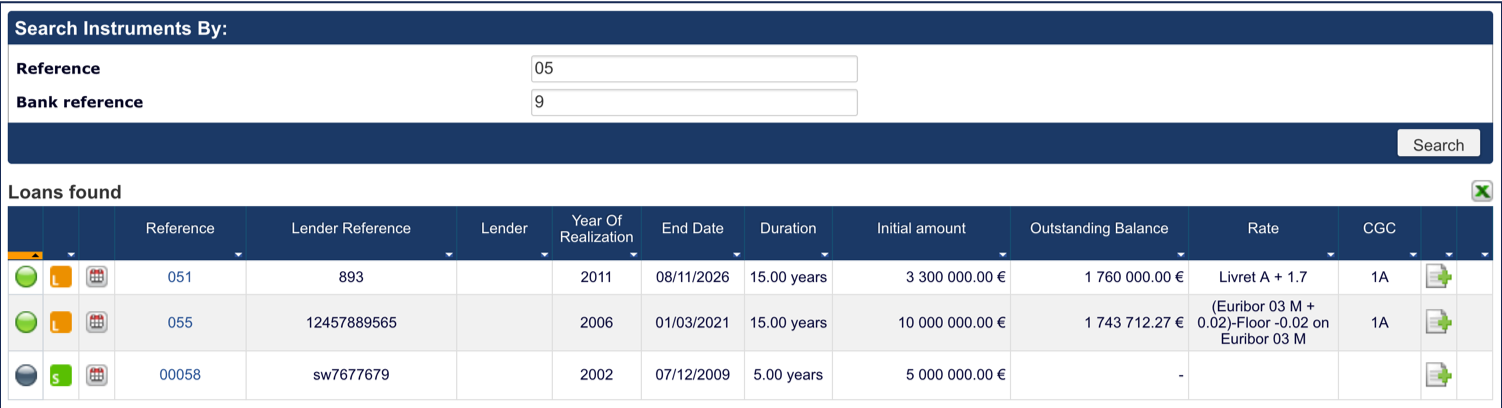
Transactions matching the search criteria display.
Related Documentation