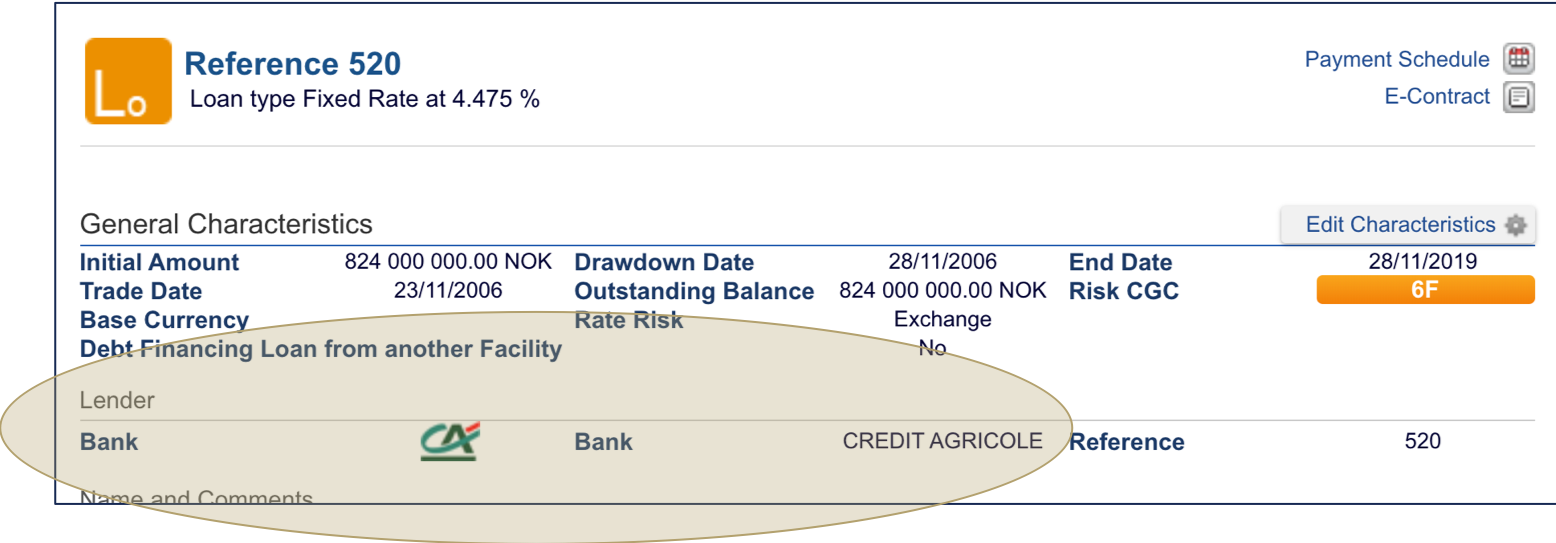
The transaction profile in Fairways Debt is composed of contractual financial details and non-financial details. You can edit the general characteristics of a transaction.
Note: The updates only apply for the display, and do not change the transaction importation. For example, to edit the drawdown date to correct the amortization table of the loan, contact the Back-Office team or your consultant for more details.
Log In to Fairways Debt
- Log in to Fairways Debt.
- Load the relevant customer account.
Edit a Transaction Profile
- Open a transaction profile.
- Click Edit Characteristics
 .
.
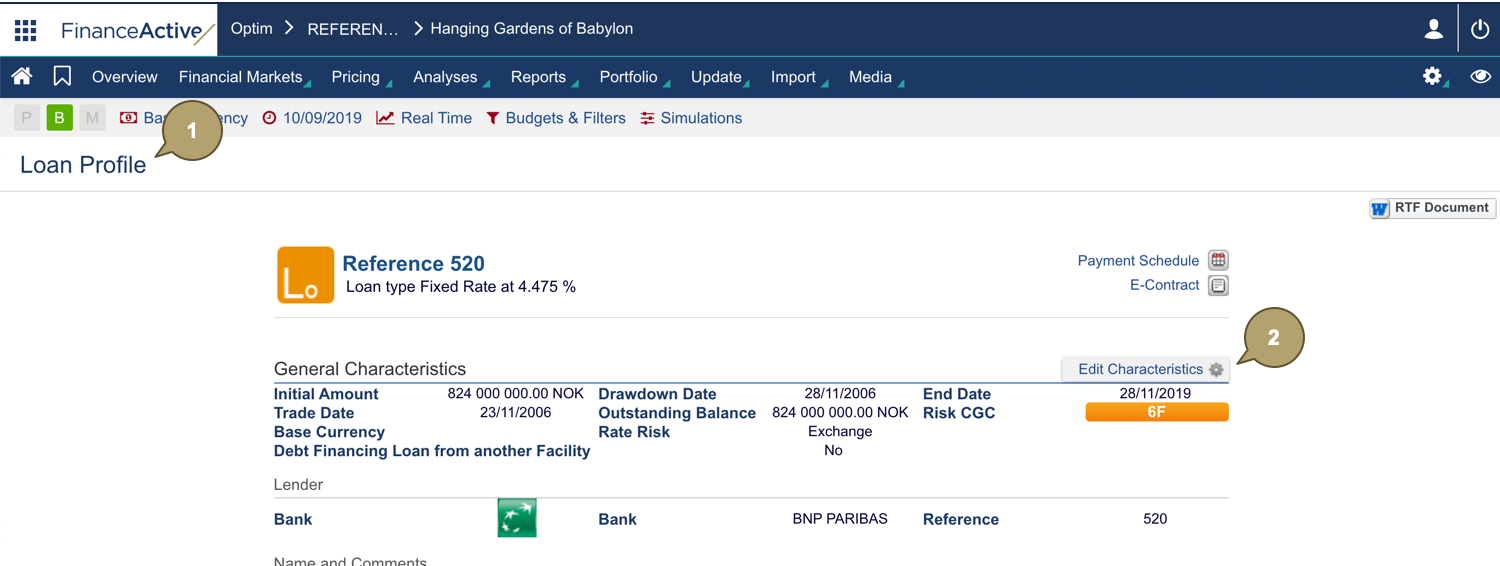
- Edit all relevant details.
- Click Apply.
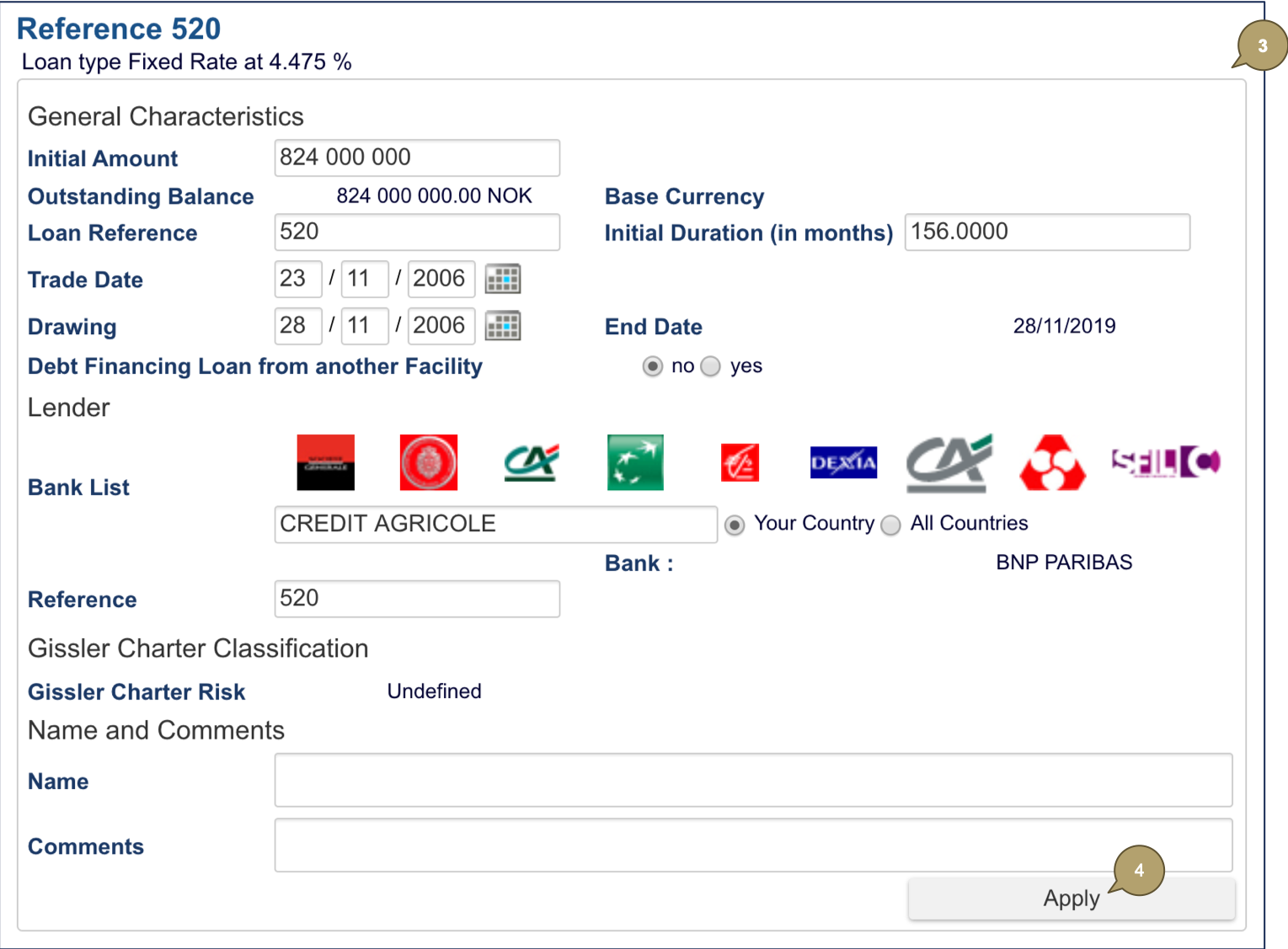
The transaction updates. In our example, we have updated the lender.