You can simulate loans in Fairways Debt.
Log In to Fairways Debt
- Log in to Fairways Debt.
- Load the relevant customer account.
Simulate a Loan
- Navigate to Simulations.
- Click Actions > Simulate Loan.
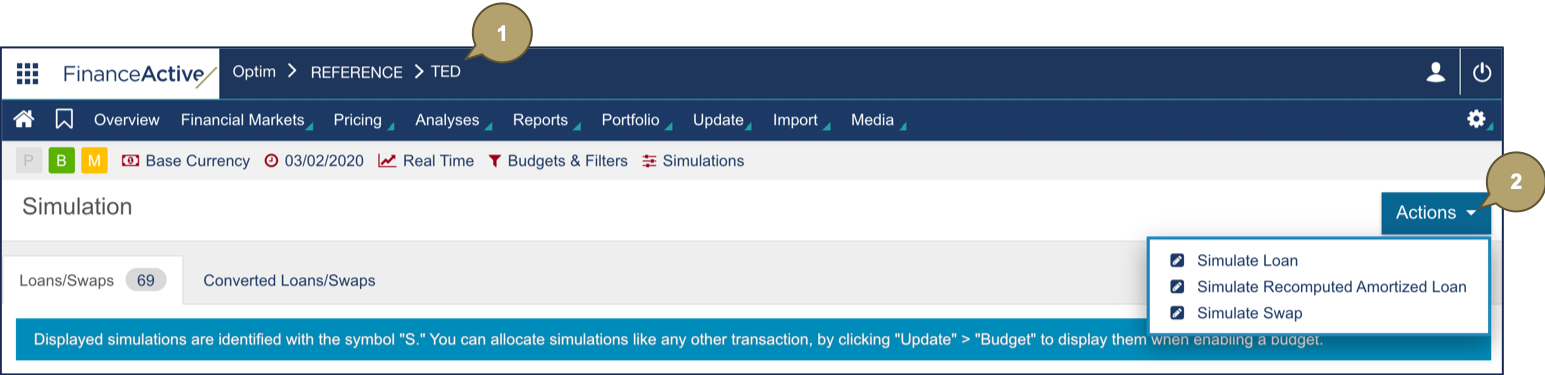
- Complete the form with all relevant details.
Note: Fields marked with an asterisk * are mandatory.
|
Field |
Description |
|---|---|
|
Reference |
Name of the loan. |
|
Lender |
Loan's lender. Note: Only banks associated with actual loans added to Fairways Debt display. |

|
Field |
Description |
|---|---|
|
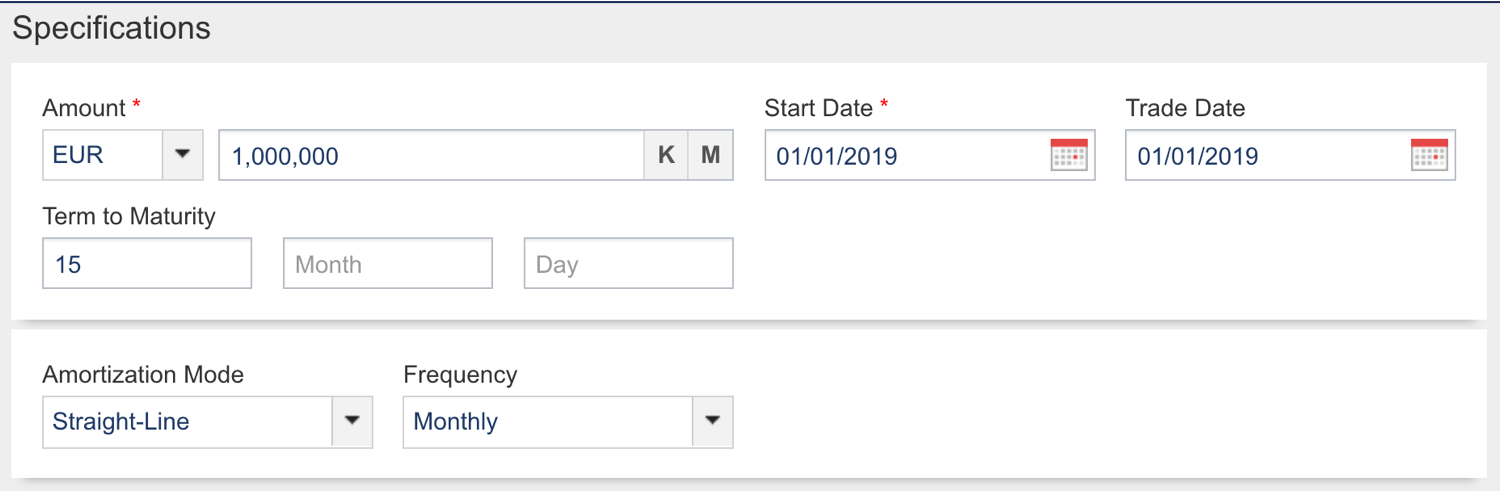
Amount |
Amount and currency of the loan. |
|
Start Date |
Start date of the loan. |
|
Trade Date |
Date at which the loan has been traded. |
|
Term to Maturity |
Duration of the loan. |
|
Amortization Mode |
Amortization mode of the loan. Note: Additional fields to complete display depending on the mode selected. |
|
Frequency |
Note: This field only applies to amortization modes:
Amortization frequency. |
|
Growth Rate |
Note: This field only applies to the progressive amortization mode. Growth rate of the amortization. |
|
Field |
Description |
|---|---|
|
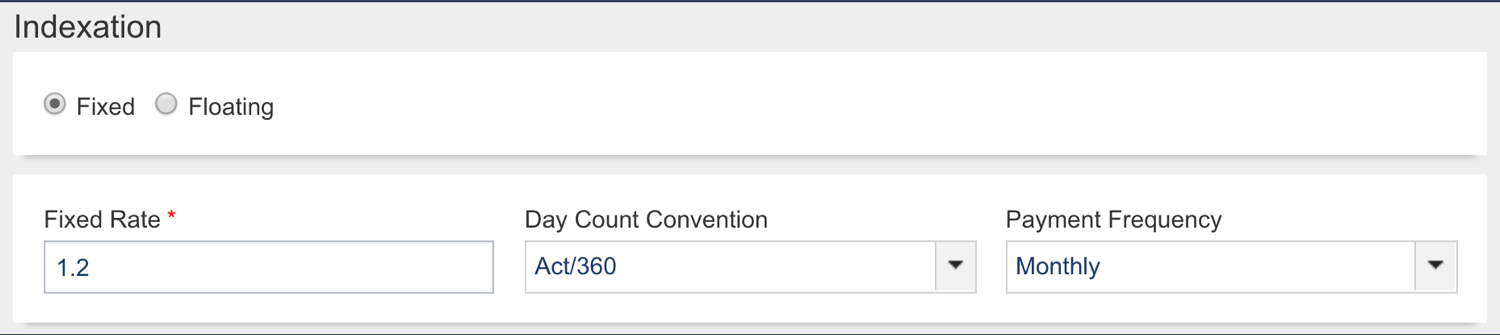
Indexation Type |
Computation type of rate. Note: Additional fields display depending on the type selected. |
|
Fixed Rate |
|
|
Fixed Rate (%) |
Fixed rate in percentage. |
|
Day Count Convention |
Computation of the day fraction of an interest accrual period. |
|
Payment Frequency |
Payment frequency. |
|
Floating Rate |
|
|
Currency |
Currency of the rate. |
|
Rate |
Index of the rate. |
|
Margin |
Margin in percentage. |
|
FloorType |
Floor type of the rate. Note: Additional fields display depending on the type selected. |
|
Level |
Note: This field only applies to the On Level Index + Spread floor type. Index level of the floor type on level. |
|
Day Count Convention |
Computation of the day fraction of an interest accrual period. |
|
Fixing Frequency |
Fixing frequency. |
|
Fixing Reference |
Fixing type. |
|
Day Adjustment |
Adjustment following the business day convention. |
|
Adjustment mode for the interest calculation. |
|
|
Rounding |
Count of decimals. |
|
Rounding |
Rounding type. |
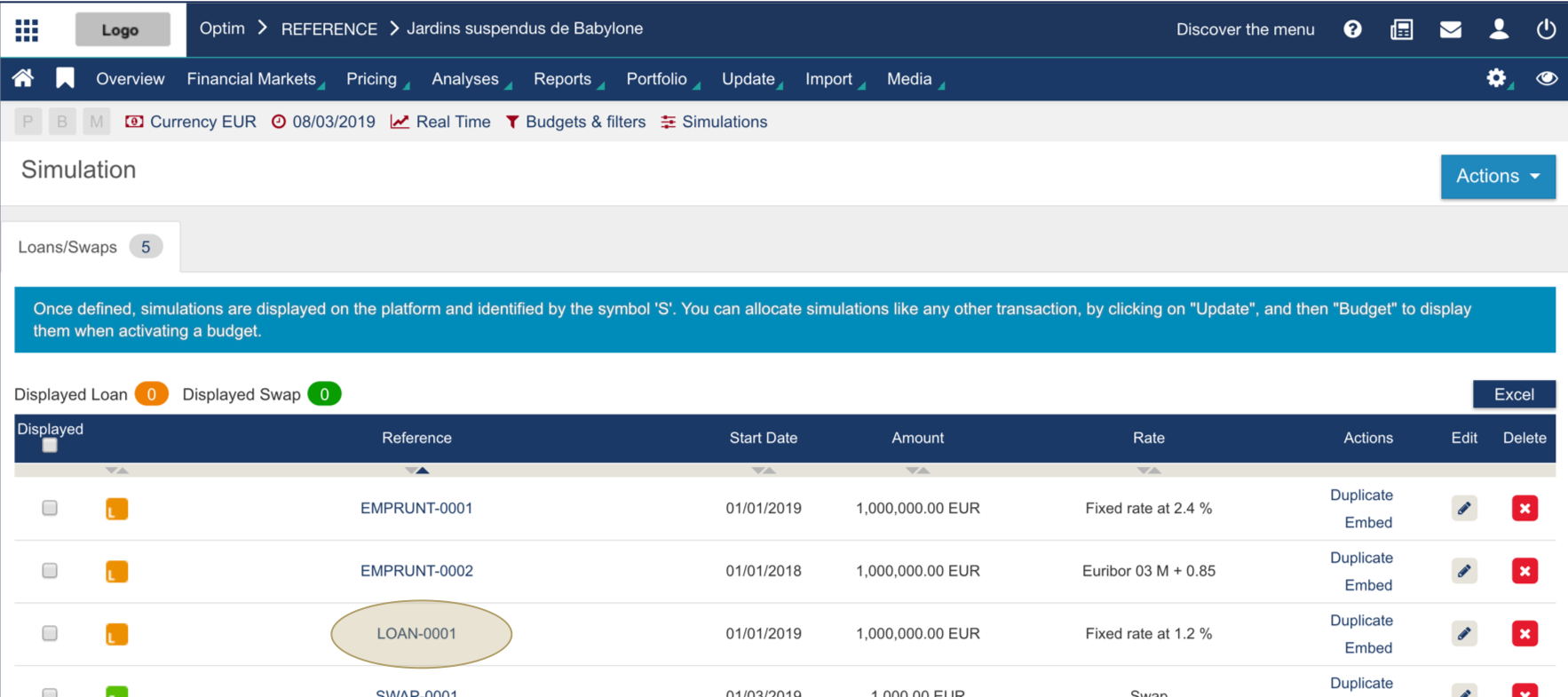
- Click Done to simulate the loan.
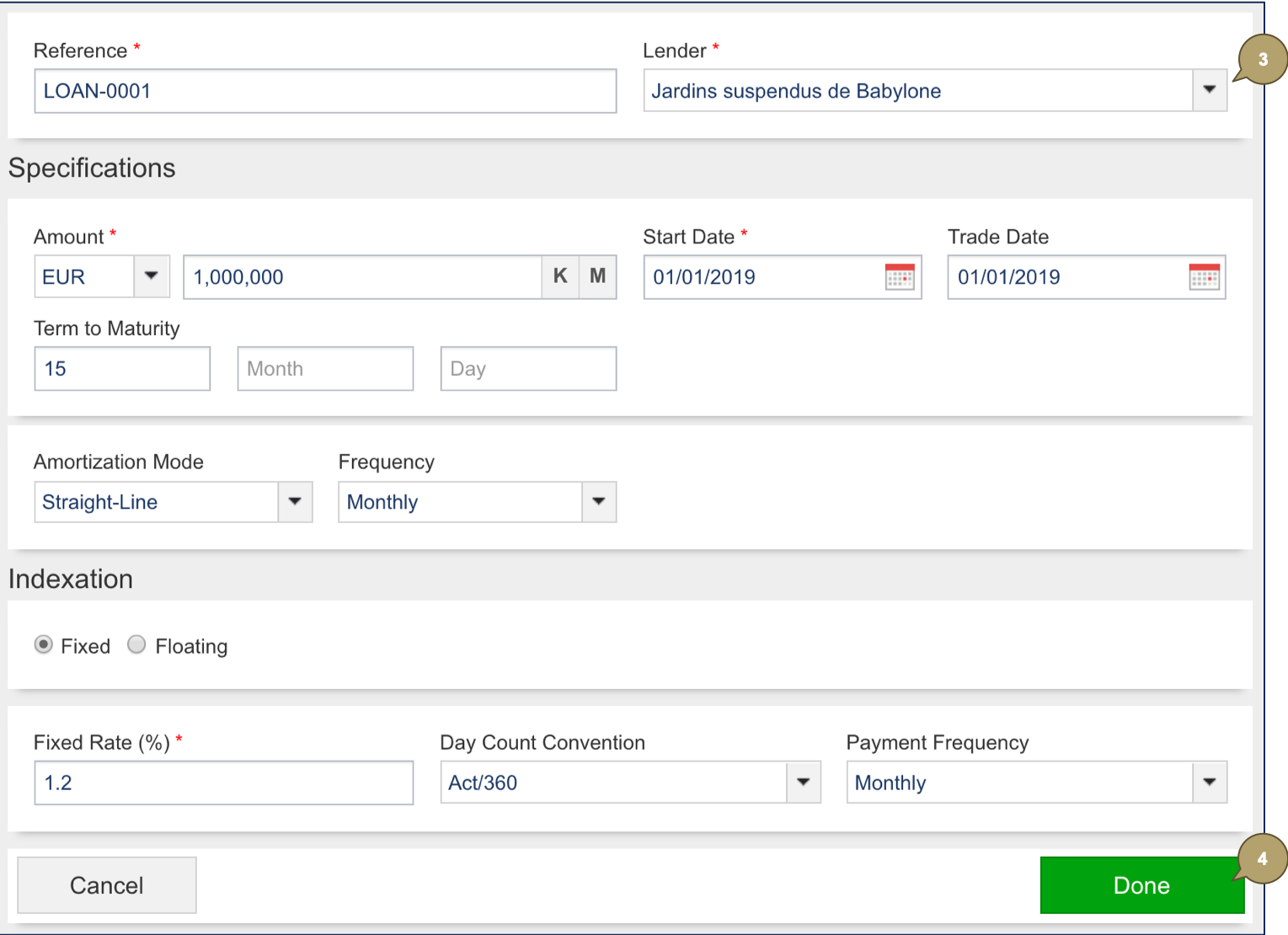
The loan simulation displays in the list.
Adjustment
Adjustment modes define how the system rolls dates in case of holidays in the calendar.
|
Field |
Description |
|---|---|
|
CAL - Calendars |
Not rolled, unless day adjustment defined. |
|
BD - Business Days |
Rolled to the previous/next business day depending on the day adjustment defined. |
|
PBD - Calendars (preceding) |
Rolled to the previous business day. |
|
NBD - Calendars (following) |
Rolled to the next business day. |
|
NBD-M - Calendars (modified following) |
Rolled to the next business day, only if that day occurs in the same month. Otherwise, rolled to the next/previous business day depending on the day adjustment defined. |