Fairways Debt enables you to bookmark indexes to view their latest rates faster.
Log In to Fairways Debt
- Log in to Fairways Debt.
- Load the relevant customer account.
Bulk Bookmark Indexes
- Click Financial Markets.
- Click Bookmarked Indexes.

- Click Bookmark Indexes.

- Select an index type.
- Select filter criteria, if available.
- Select indexes to bookmark.
- Click Save.
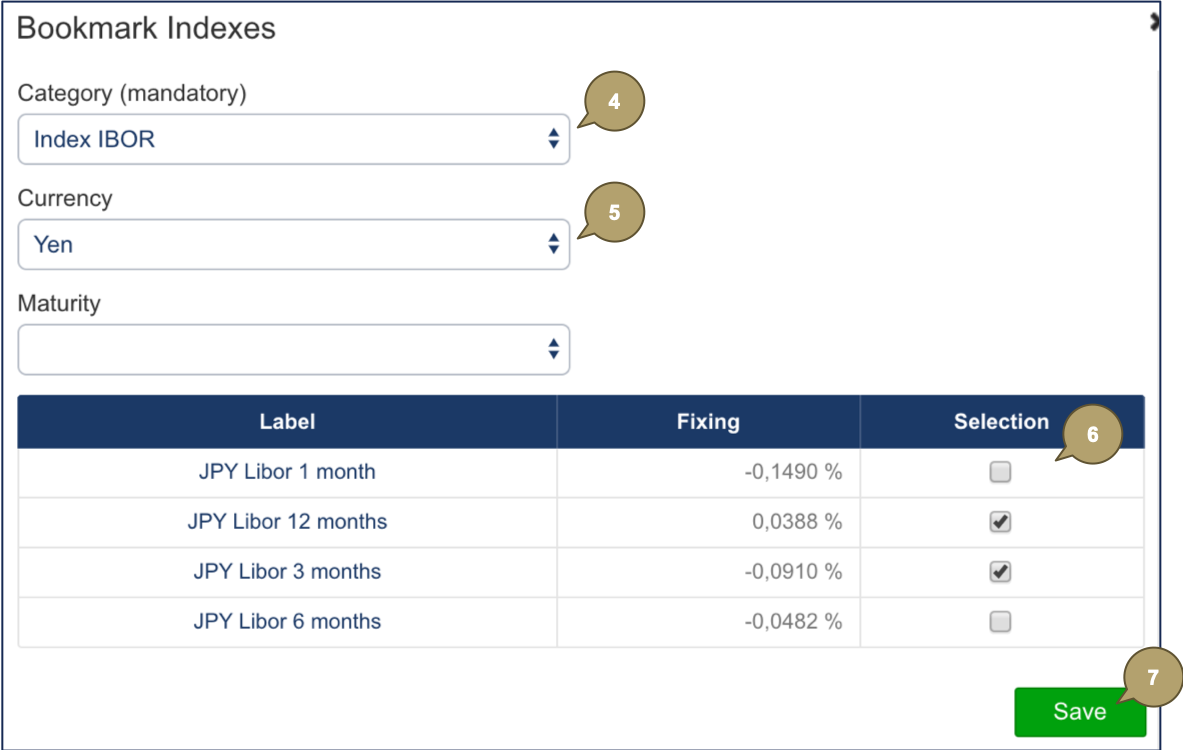
The new bookmarked indexes display in the list.

Bookmark a Single Index
Click Bookmark  beside the index.
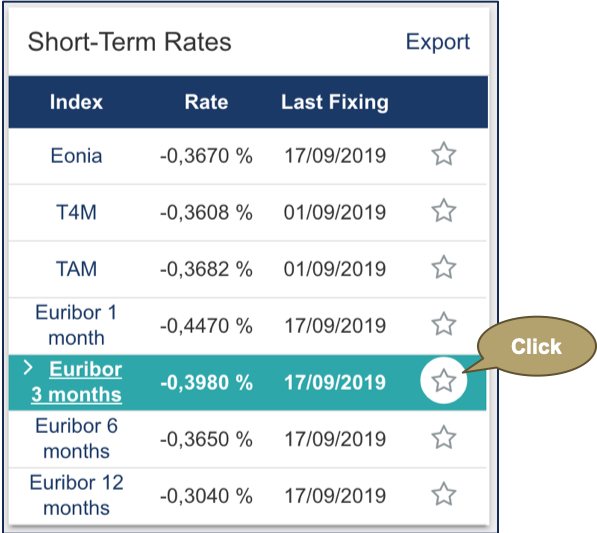
The index is marked as bookmarked  ...
...
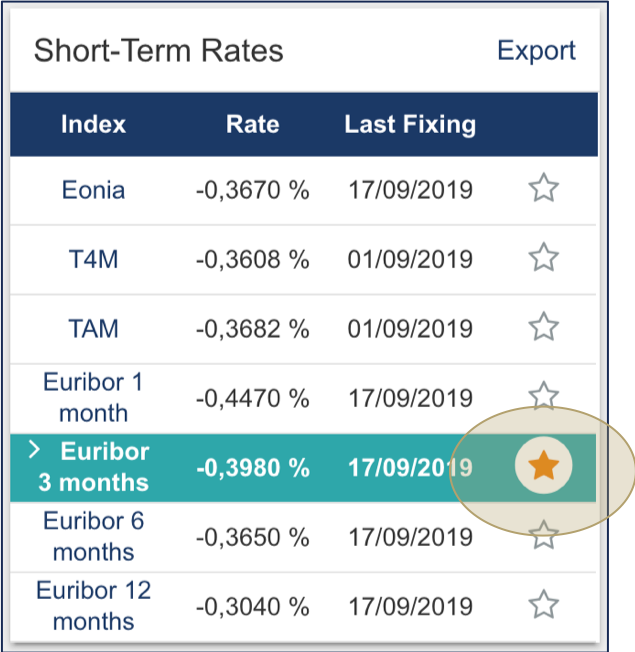
... and displays in Bookmarked Indexes in the Financial Markets section.
