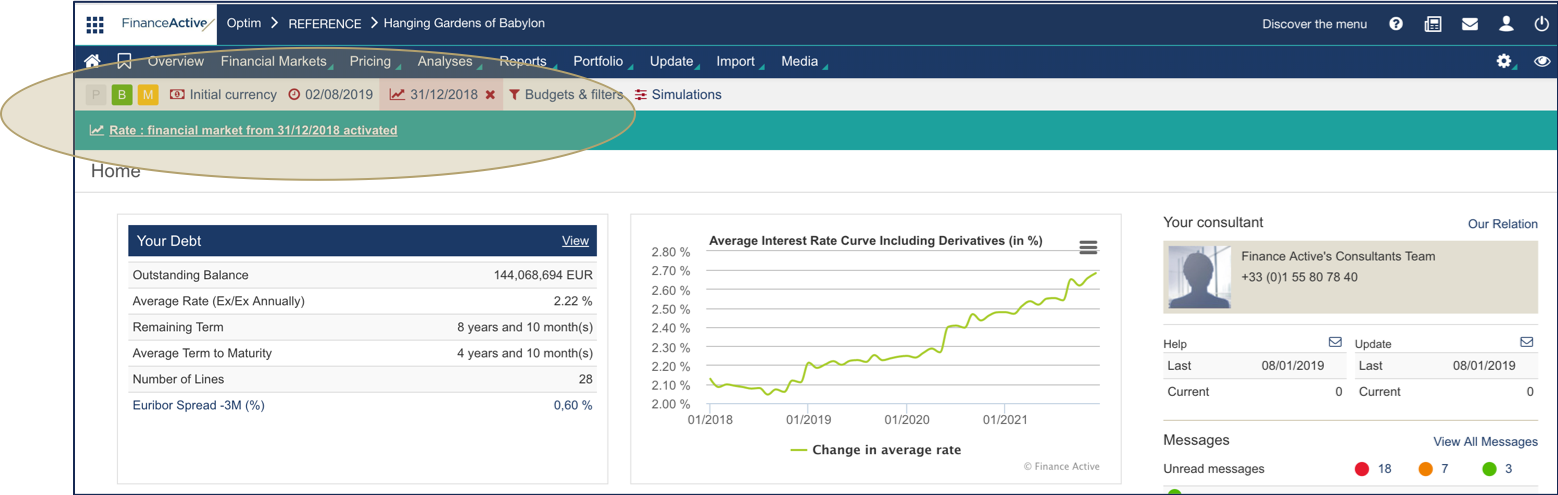
Fairways Debt enables you to edit the current financial market, e.g. using the historical financial market. This action enables you to navigate back to a past date and view your debt in the current market conditions. The graphs from Financial Markets enable you to compare anticipated values on that date with known values.
Log In to Fairways Debt
- Log in to Fairways Debt.
- Load the relevant customer account.
Use the Historical Financial Market
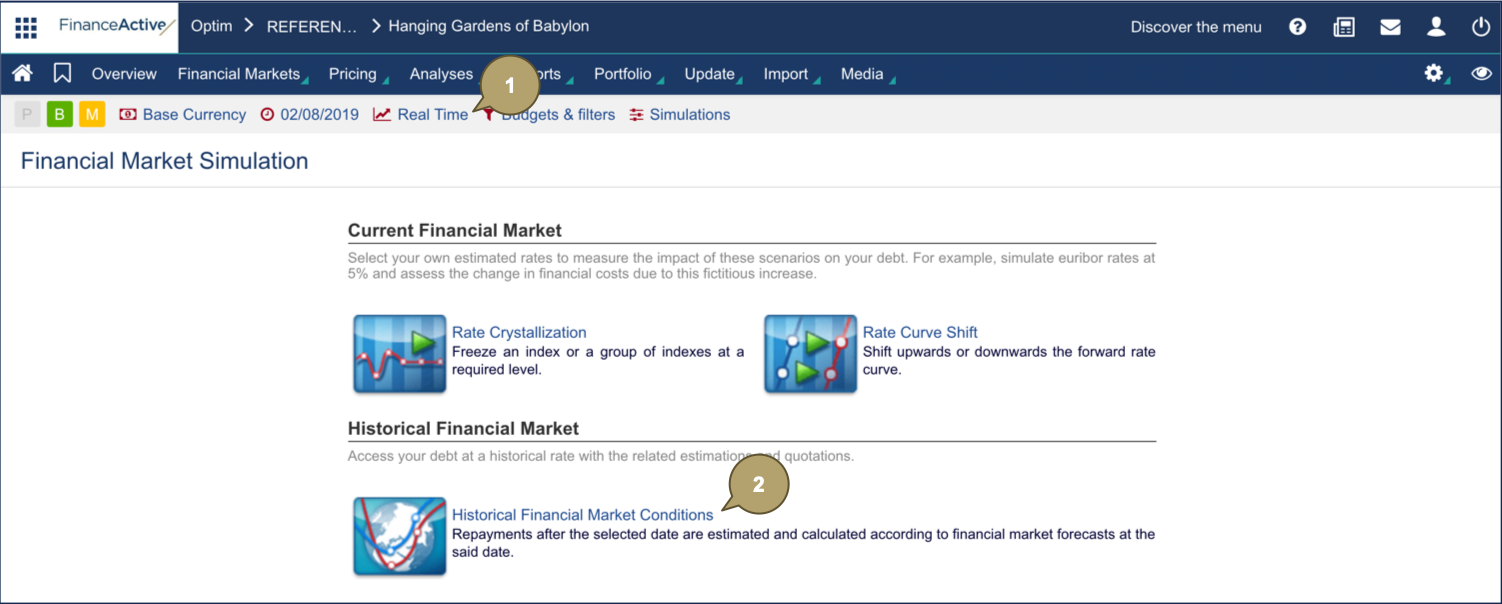
- Click Real Time.
- Click Historical Financial Market Conditions.
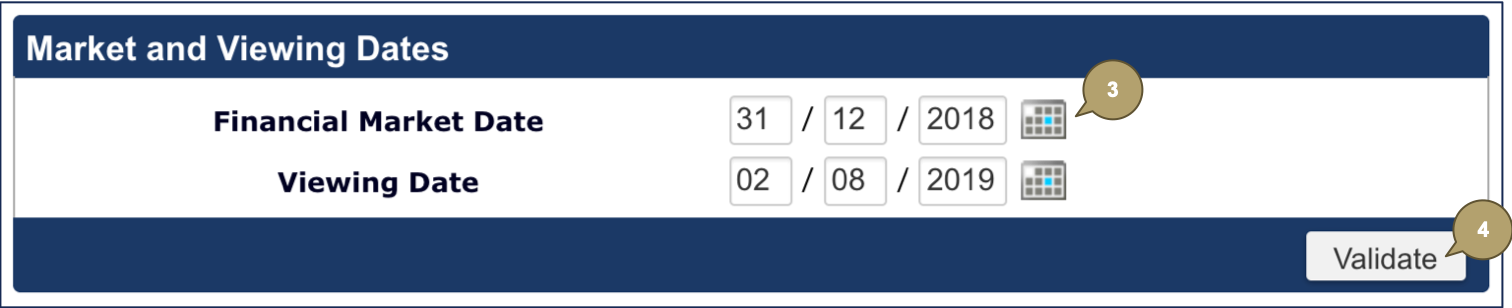
- Select the market and viewing dates.
- Click Validate.
In this example, we are simulating the market context on the 31/12/2018, to extract our accrued interest N-1 on the correct market date.
The platform applies the simulation in the whole account.