Fairways Debt enables you to dematerialize the debt statement of an account to import it to TotEM.
Log In to Fairways Debt
- Log in to Fairways Debt.
- Load the relevant customer account.
Dematerialize the Debt Statement of an Account
- Navigate to Reports > Statements > Debt Statement.
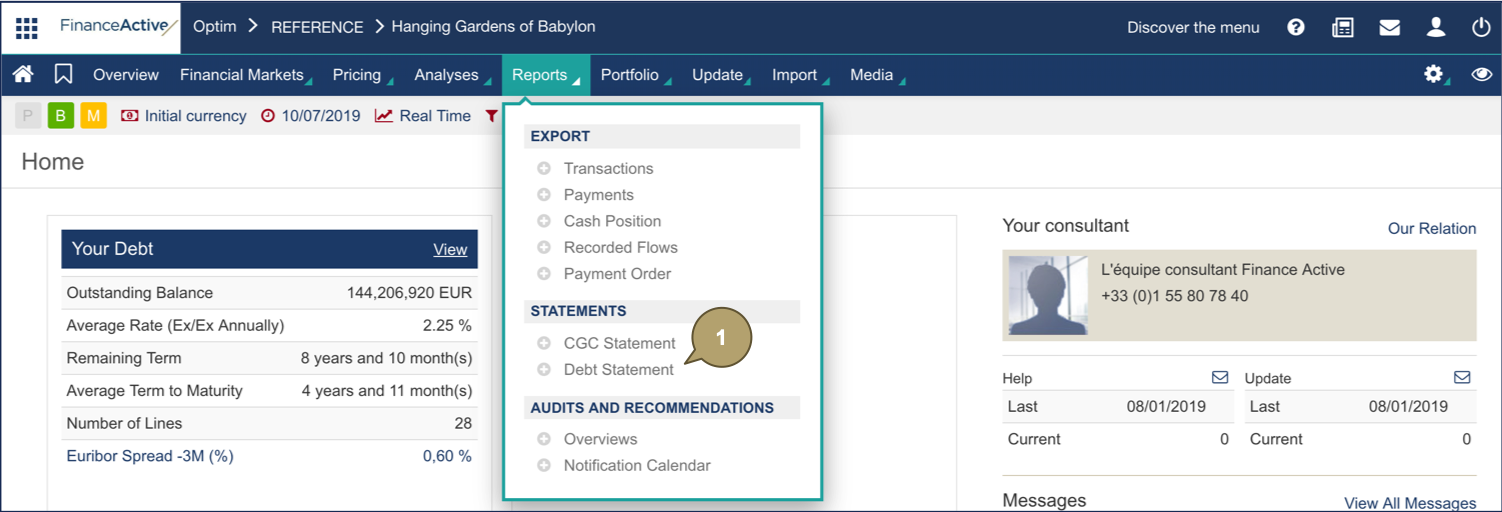
- Click Dematerialize.
- Click to export data to XML:
 for a specific file
- All Files
The debt statement displays in an XML file.