For local communities, Fairways Debt uses the calculation basis of each loan to calculate accrued interest. For hospitals, Fairways Debt uses the 30/360 basis for all loans, according to M21 instruction.
Log In to Fairways Debt
- Log in to Fairways Debt.
- Load the relevant customer account.
Generate an Accrued Interest Analysis
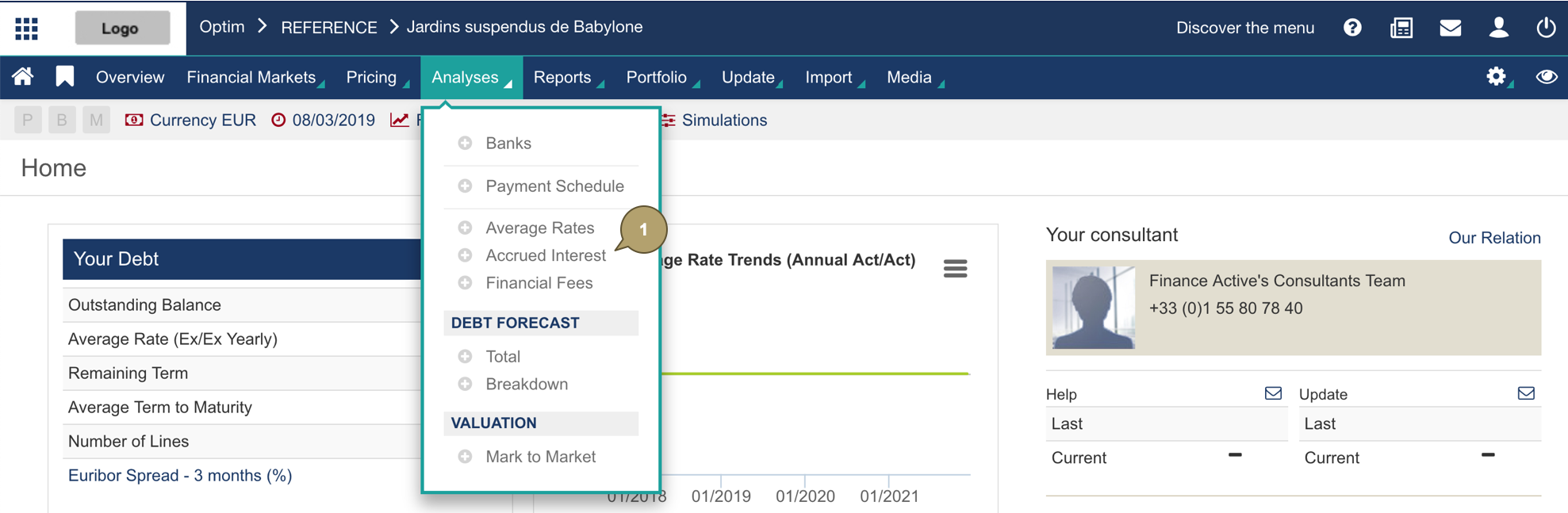
- Navigate to Analyses > Accrued Interest.
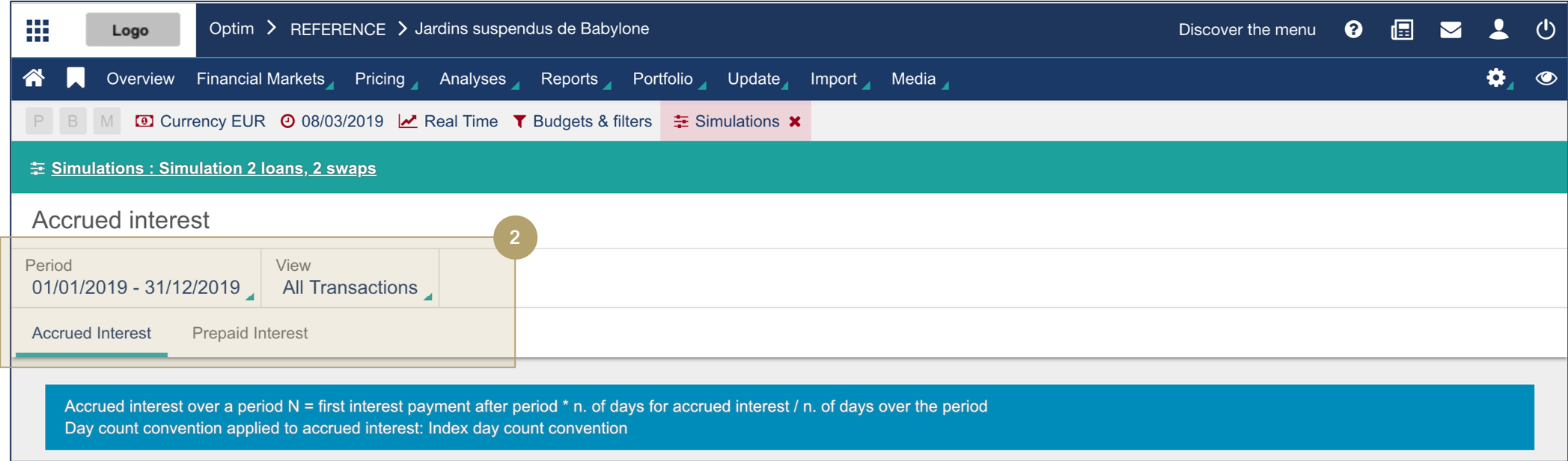
- Configure the analysis settings.
|
Field |
Description |
|---|---|
|
Period |
Period taken into account for the data. |
|
View |
Transactions to include in the computation. |
|
Type |
Interest type. |
The analysis updates following the selected settings.
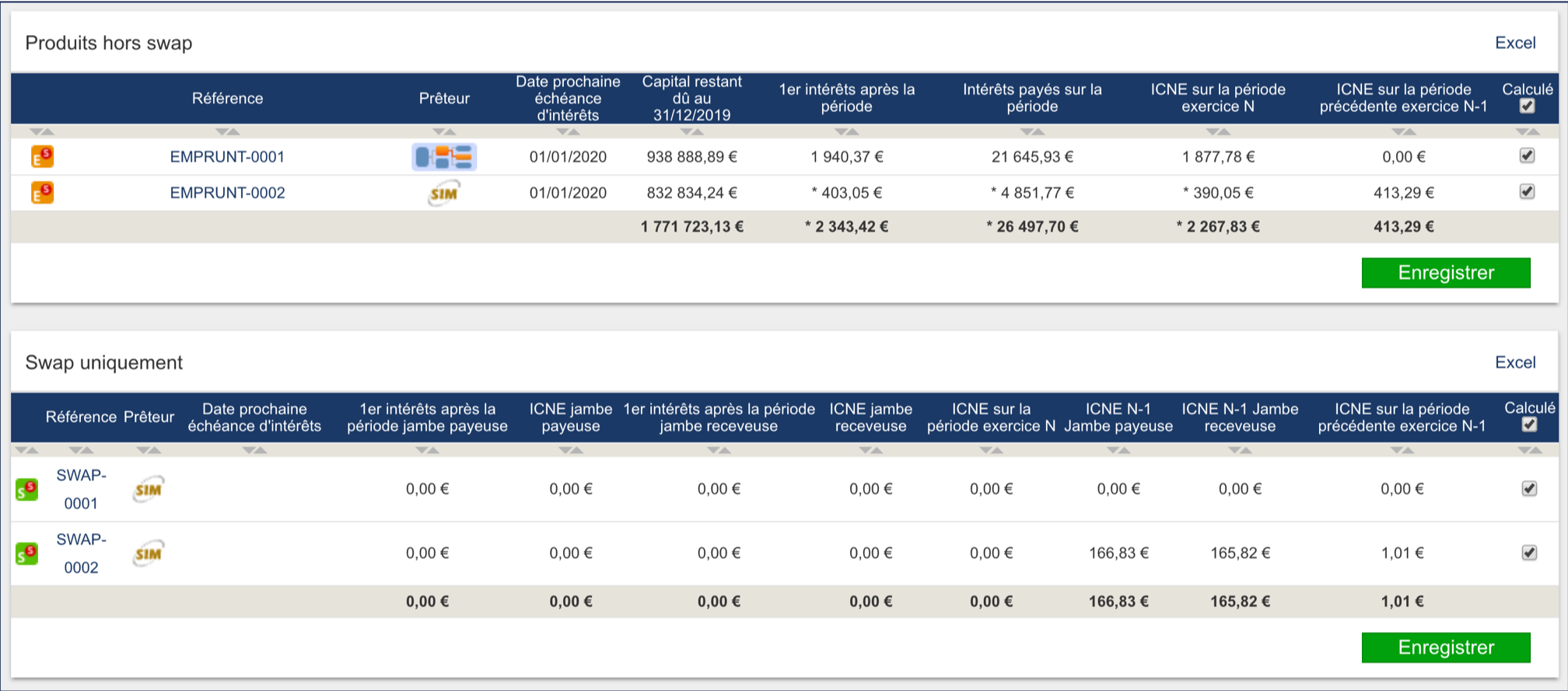
- Enable/Disable the computation of the accrued interest to display the relevant analysis.
- Click Save.

The analysis updates following the selected settings.

- Click Excel to export the table data.

Data are exported to an Excel file.
