Fairways Debt enables you to export the debt statement of an account to Excel.
Log In to Fairways Debt
- Log in to Fairways Debt.
- Load the relevant customer account.
Export the Debt Statement of an Account
- Navigate to Reports > Statements > Debt Statement.
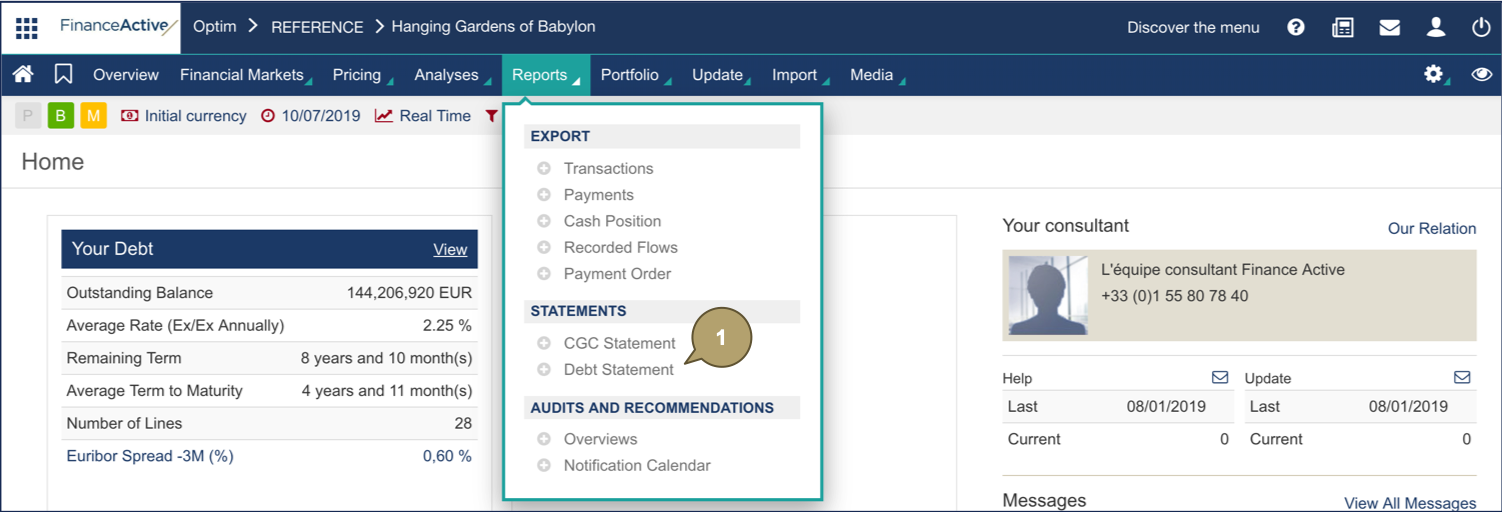
- Select the data period and a data type.
- Select a budgetary filter to refine the models, if relevant.
- Select a budgetary instruction.
- Click a specific sheet or the whole file to export.
The debt statement displays in an Excel file.