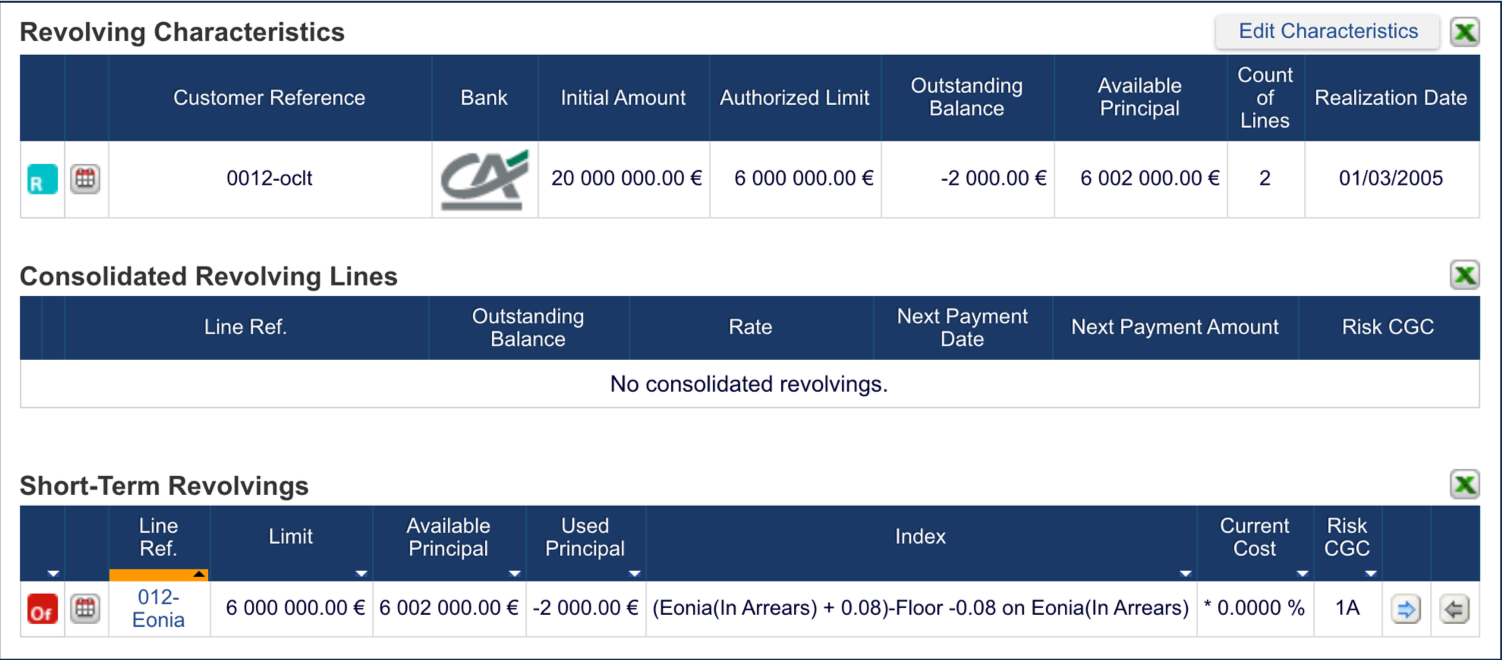
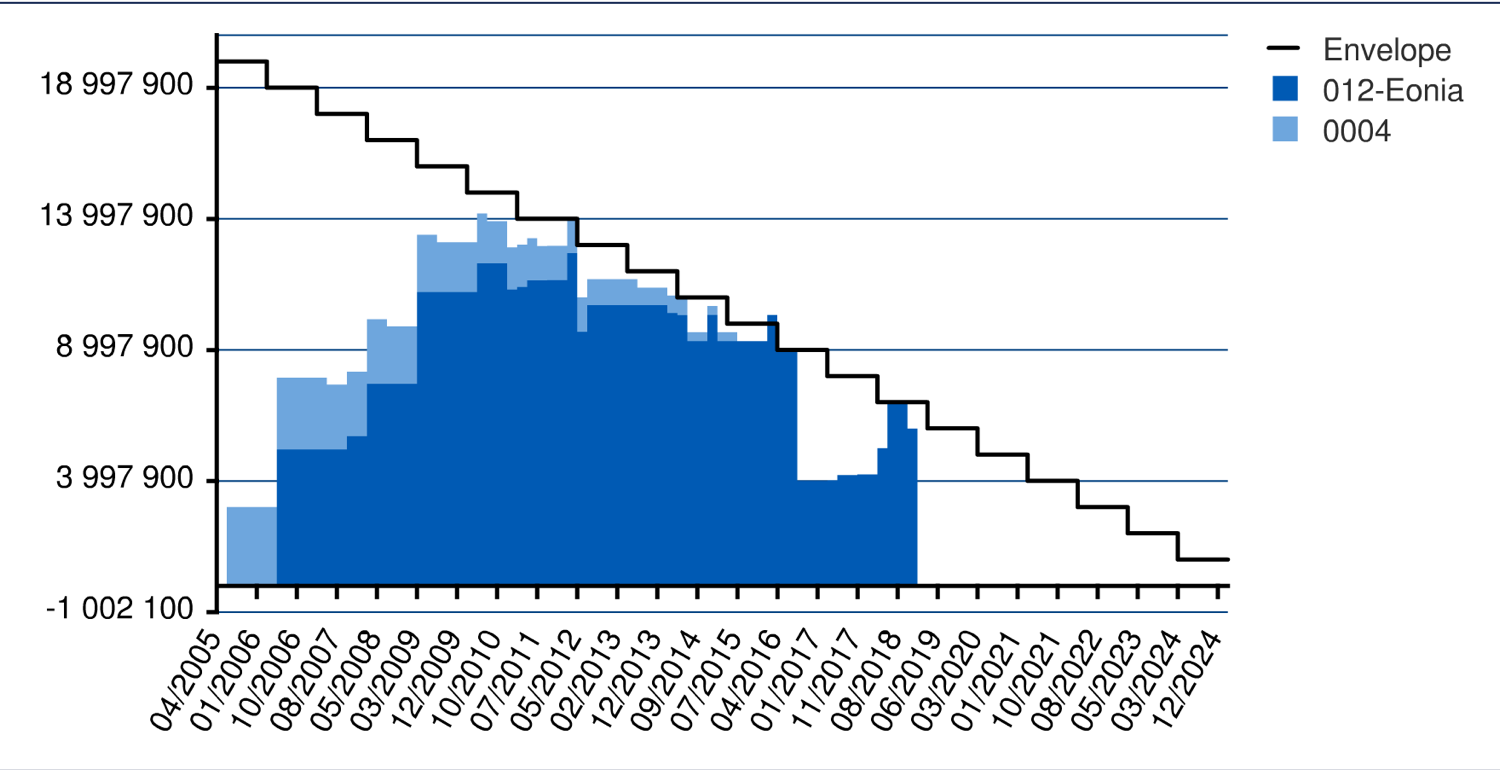
Fairways Debt offers an overview of your revolving debt and its drawings.
Log In to Fairways Debt
- Log in to Fairways Debt.
- Load the relevant customer account.
Navigate to a Drawing
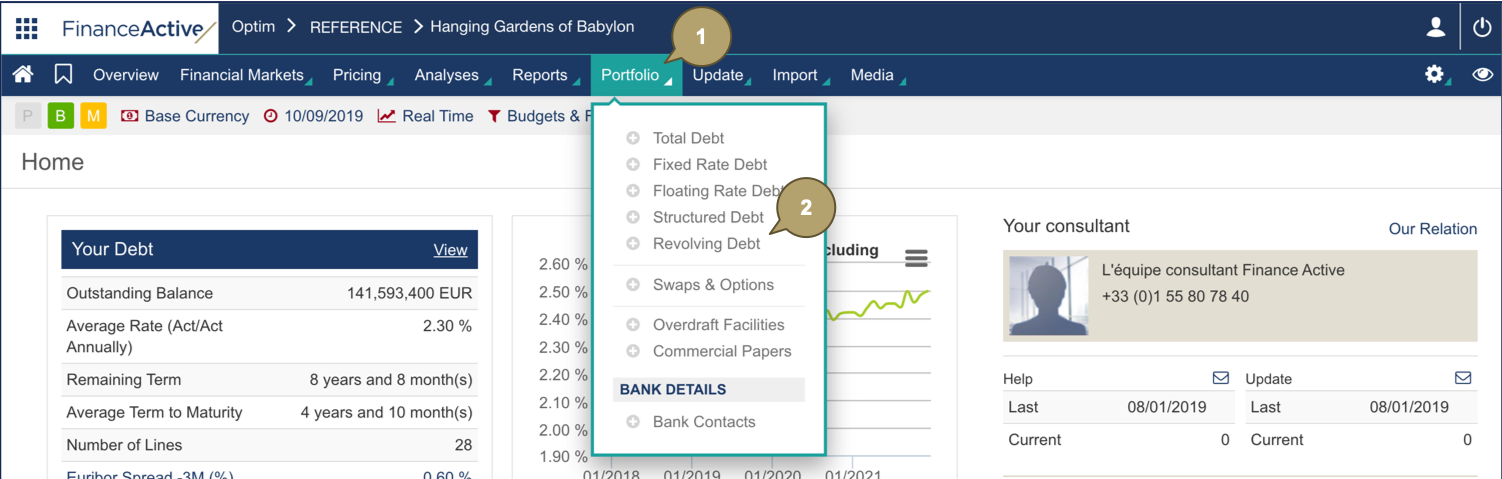
- Click Portfolio.
- Click Revolving Debt.
- Click a drawing
 .
.

The drawing displays.